Beyond Syndication: Getting the Most From Your Web-to-Apple News Setup
Getting your website content onto Apple News is one thing. Making sure it looks right, reaches readers and supports your publishing goals is another.
A basic integration can handle the transfer, but what happens to your content once it reaches Apple News? How well does it represent your publication, engage readers and support your wider publishing goals?
Start with what’s coming through from your website
Before making improvements, check what your website is actually supplying to Apple News.
Does your source feed include the images, video, audio, links and other information within your articles? Anything missing at this stage can’t be carried through to the Apple News version.
Getting the source feed right is the foundation for everything that follows.
Does your content still feel like your own?
Your website reflects your publication’s identity, from its visual design to how different types of content are presented. Does that identity carry through to Apple News?
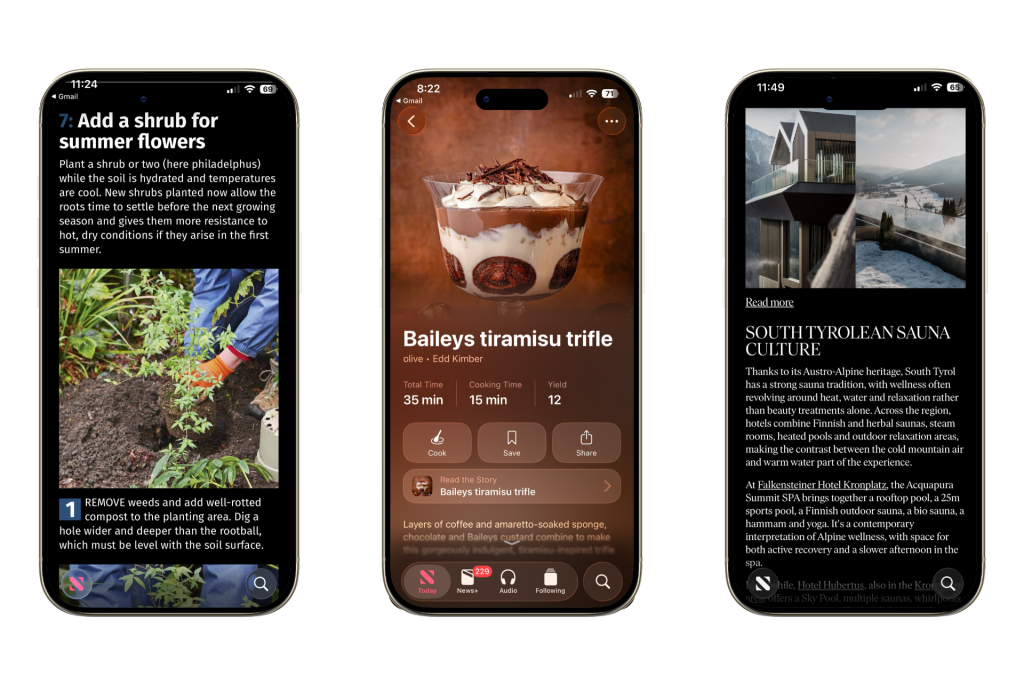
Apple News gives publishers considerable control over how their content appears. Custom templates can bring your branding into the reading experience and give different types of content the presentation they deserve. A recipe, for example, should look and function differently from a news story or long-form feature.
Readers encounter your articles alongside content from other publishers. A distinctive, professional experience helps them recognize your publication, builds credibility and gives them a reason to remember your brand.
Can your setup handle richer content?
If you’re investing in video, audio, galleries and interactive content for your website, make sure your Apple News readers get that experience too.
These elements give readers more ways to engage with your articles and encourage them to spend more time with your content, creating opportunities for advertising and Apple News+ revenue.
Think about a guitar lesson with embedded audio demonstrations or a feature brought to life with video. If those elements don’t carry through to Apple News, you’re losing part of the experience designed to hold your readers’ attention.
Build your audience beyond the article
Every article is an opportunity to build a more direct relationship with your readers.
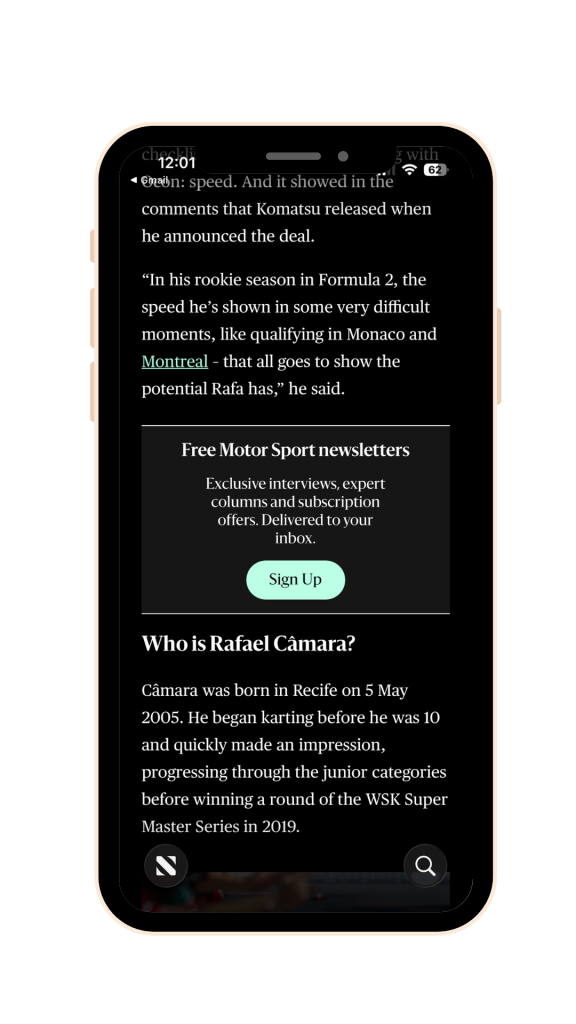
Apple News supports calls to action that encourage readers to follow your channel, sign up for newsletters, download your app or explore a subscription.
The key is relevance. Someone reading a fitness feature, for example, is more likely to respond to an invitation to join your fitness newsletter than a generic promotion.
These prompts can be built into your templates and tailored to different content types. Relevant imagery, strong design and testing different approaches can help turn article readers into a more connected audience, without adding work for your editorial team.
Ways to build your audience through Apple News
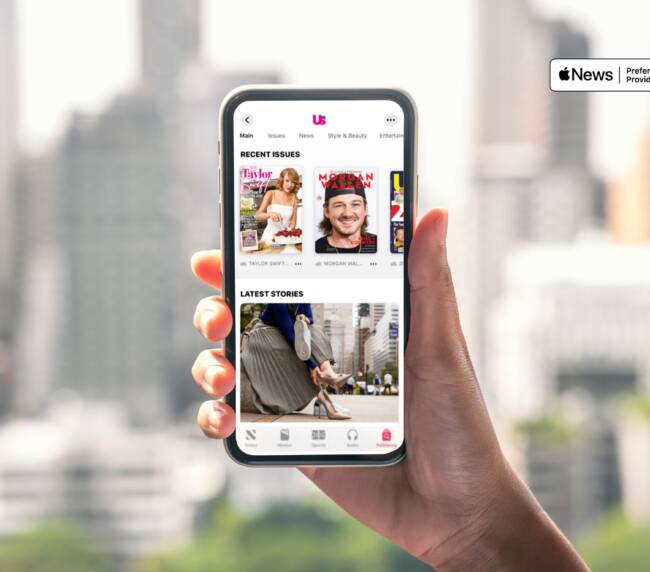
Channel follows: Encourage readers to follow your publication for more content.
Newsletter sign-ups: Promote newsletters relevant to the article or subject.
App downloads: Direct readers to your publication’s app.
Subscription offers: Introduce readers to your paid content or subscription options.
Once someone is reading one of your articles, give them reasons to explore more.
Related stories and relevant evergreen content can be incorporated throughout your articles, encouraging readers to discover more from your publication.
Apple News loyalty analytics can help you understand whether readers are exploring more of your content, rather than looking at individual article views in isolation.
And because reading behaviour can influence recommendations on algorithm-driven platforms, encouraging deeper engagement may also create more opportunities for readers to encounter your publication again.
Don’t lose the commercial details
If affiliate content is part of your publishing model, you need to be able to distinguish conversions coming from Apple News from those generated through your website or other channels.
Apple News-specific tracking IDs can be applied to affiliate links automatically, so you can measure the platform’s contribution without additional work for your editorial team.
Commercial disclosures are equally important. Affiliate notices and sponsored-content labels need to carry through with the relevant articles, keeping your commercial content properly identified wherever it’s published.
Automation still needs oversight
An automated feed can appear to be working perfectly while things are going wrong behind the scenes.
Articles can be rejected by Apple’s publishing API and never reach readers. Others might publish with missing images, links or important calls to action. Without monitoring, you may not even know there’s a problem.
+25%
We helped one publisher get more of their content onto Apple News by identifying and fixing issues with their feed.
Regular monitoring helps catch publishing failures, fix errors and ensure your content reaches readers as intended.
Whether it’s handled internally or by a specialist partner, your feed needs someone actively looking after it.
Immediate Media: Building More Into Apple News
See how Immediate Media rebuilt its Apple News feeds to improve content presentation, support richer functionality and create more opportunities for audience growth and monetization.
With publishers competing for attention across syndication platforms, getting your articles published is only part of the opportunity.
The real opportunity is to move beyond content distribution and make Apple News a more valuable part of your wider publishing strategy — one that supports audience growth, reader loyalty and commercial returns.
If you’re already syndicating content, it’s worth taking a closer look at what your current setup supports and where you might be missing opportunities. And if you’re just getting started, these are decisions worth making early.
If you’d like help setting up, developing or managing your web-to-Apple News workflow, VMG can help.